
The latest version of Thunderbolt Simulator 9.0 uses Android version kernel for playing computer mobile game simulators. The latest version of Thunderbolt Android Emulator, supports OpenGL3.1 mode 3D rendering, stable multi-open stress-free games, provides Google installer, one-click macro buttons, script recording, multi-open split-screen synchronizer and other functions.
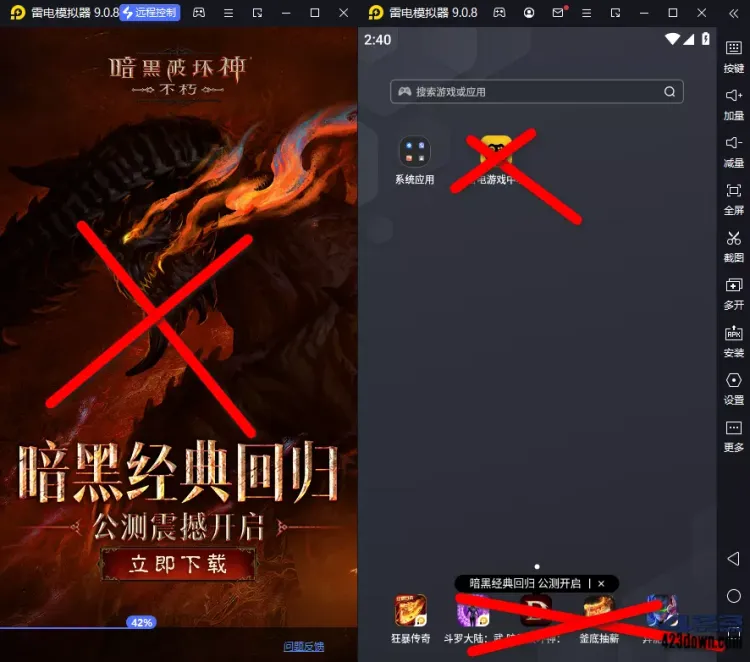
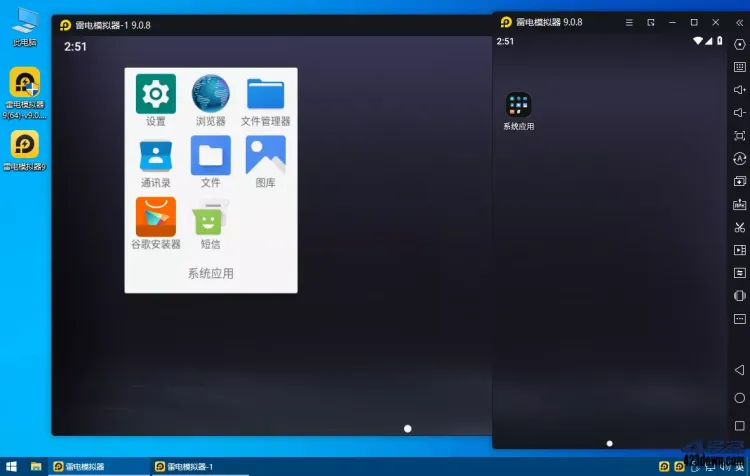
Table of Contents
New version changes
ChangeLog_Thunderbolt Android Emulator
https://www.ldmnq.com/ld_update_log.html
Thunder Simulator 9.1.x Update Introduction:
1. Core Technology Innovations
– Render mode upgrade: Switch from OpenGL to Vulkan rendering, optimize graphics rendering efficiency, and reduce CPU usage and power consumption.
– Resource Usage Optimization: Further reduce memory and CPU consumption, and now low-end computers can run large games smoothly.
2. Multi-Open & Operation Management
– Multi-opener fully upgraded: Support simultaneous management of different versions of the emulator such as Thunderbolt 3/4/5/9.1, and add window classification and batch operation functions.
– Operation recording enhanced: Added the “Stop script after flashback” function, which supports random clicks to simulate real human operations and reduce the risk of misoperation.
3. New Features and Ecosystem Expansion
– Cloud Emulator OSLink: A mobile phone remote control computer emulator that supports seamless hang-up across devices.
– Thunderbolt Game Zone: An officially authorized game area that provides exclusive virtual treasures, recharge discounts, and platform activities.
– Auxiliary screen function: Real-time display of game guides, virtual treasure codes and event information to enhance game convenience.
4. UI and Security Improvements
– UI refresh: Simplified interface layout, added taskbar floating window, and support shortcut key customization.
– Security Hardening: Routinely fix potential system vulnerabilities, strengthen data encryption, and reduce crash rates.
Description of features
Thunderbolt Simulator Green Lite Version, Thunderbolt Android Simulator Go to Advertising Green Version
– Go to Startup Interface Ads, Go to the Notification Area Game Pop-up in the Lower Right Corner of the Taskbar
– Go to Thunderbolt Game Center (install software to pop up the game promotion pop-up on the home screen)
– Go to the bottom of the desktop ad (5 built-in game promotion apps in the bottom of the desktop home screen)
– Reject background advertising data download request % AppData%\Leidian64\Cache
– Crack the game to open multiple times (the official version cannot run more than 5 apps at the same time)
– Reject various advertising network requests: cut off advertisements, report information, detect and upgrade, etc.
– Install free cleanup process, delete information advertising programs, upload components, and error report files
– Delete the system image built-in SMS app, provide mask (Magisk) and LSPosed frameworks
• How to enable ROOT privileges?
Thunderbolt Simulator 9.0 does not open the ROOT permission
interface by default – Settings – Other – root permission – enable it
• How to fix the startup prompt that needs to be fixed?
Run the dnrepairer.exe under the installation directory
• How to update only the system image after removing the advertisement?
Just download the ad version, extract the image file, and replace it with the following location
: ├—LDPlayer9\system.vmdk, vms\system.vmdk
• What is the difference between Thunderbolt Simulator 9.0, Thunderbolt Simulator 5.0/4.0, and 3.x?
# Mainly refers to different Android versions of Android system mirroring (system.vmdk):
“9.0: Android 9-x86_64 (64-bit version, 64-bit refers to Android version)
” 5.0: Android 7.1.2-x86 / Android 7.1.2-x86_64 (64-bit version).
3.x: Android 5.1.2-x86
# All versions are compatible with ARM libraries, can coexist and can be used, and support unlimited multi-open operation of each version
Operational requirements
Windows 7, Windows 10, or later 64-bit
You need to turn on virtualization technology (VT), how to open VT tutorial
on your computer https://www.ldmnq.com/support/VTjiao/290.html
Other Notes: https://ldmnq.com/forum/86495.html
Download address
Thunderbolt Android Emulator v9.1.70.0(64) / v5.x / v3.x De-ad Green Pure Edition