

Updated : April 2025
Motrix has not been updated for a long time and has accumulated a large number of issues. This project imFile is based on Motrix Fork and maintain and update it for a long time.
https://github.com/imfile-io/imfile-desktop
imFile is a full-featured download manager that supports downloading HTTP, FTP, BitTorrent, Magnet, etc.
imFile has a clean and easy to use interface.
✈️ Official Website | 📖 Manual
Table of Contents
💽 Installation
Download from GitHub Releases and install it.
Windows
It is recommended to install imFile using the installation package (imFile-Setup-x.y.z.exe) to ensure a complete experience, such as associating torrent files, capturing magnet links, etc.
✨ Features
- 🕹 Simple and clear user interface
- 🦄 Supports BitTorrent & Magnet
- ☑️ BitTorrent selective download
- 📡 Update tracker list every day automatically
- 🔌 UPnP & NAT-PMP Port Mapping
- 🎛 Up to 10 concurrent download tasks
- 🚀 Supports 64 threads in a single task
- 🚥 Supports speed limit
- 🕶 Mock User-Agent
- 🔔 Download completed Notification
- 💻 Ready for Touch Bar (Mac only)
- 🤖 Resident system tray for quick operation
- 📟 Tray speed meter displays real-time speed (Mac only)
- 🗑 Delete related files when removing tasks (optional)
- 🌍 I18n, View supported languages.
- Support the use of doh to solve the problem that some trackers are hijacked by dns
- Support direct download hashes
- Automatically save tasks, restart without losing tasks
- Regular update and maintenance
- 🛠 More features in development
🖥 User Interface
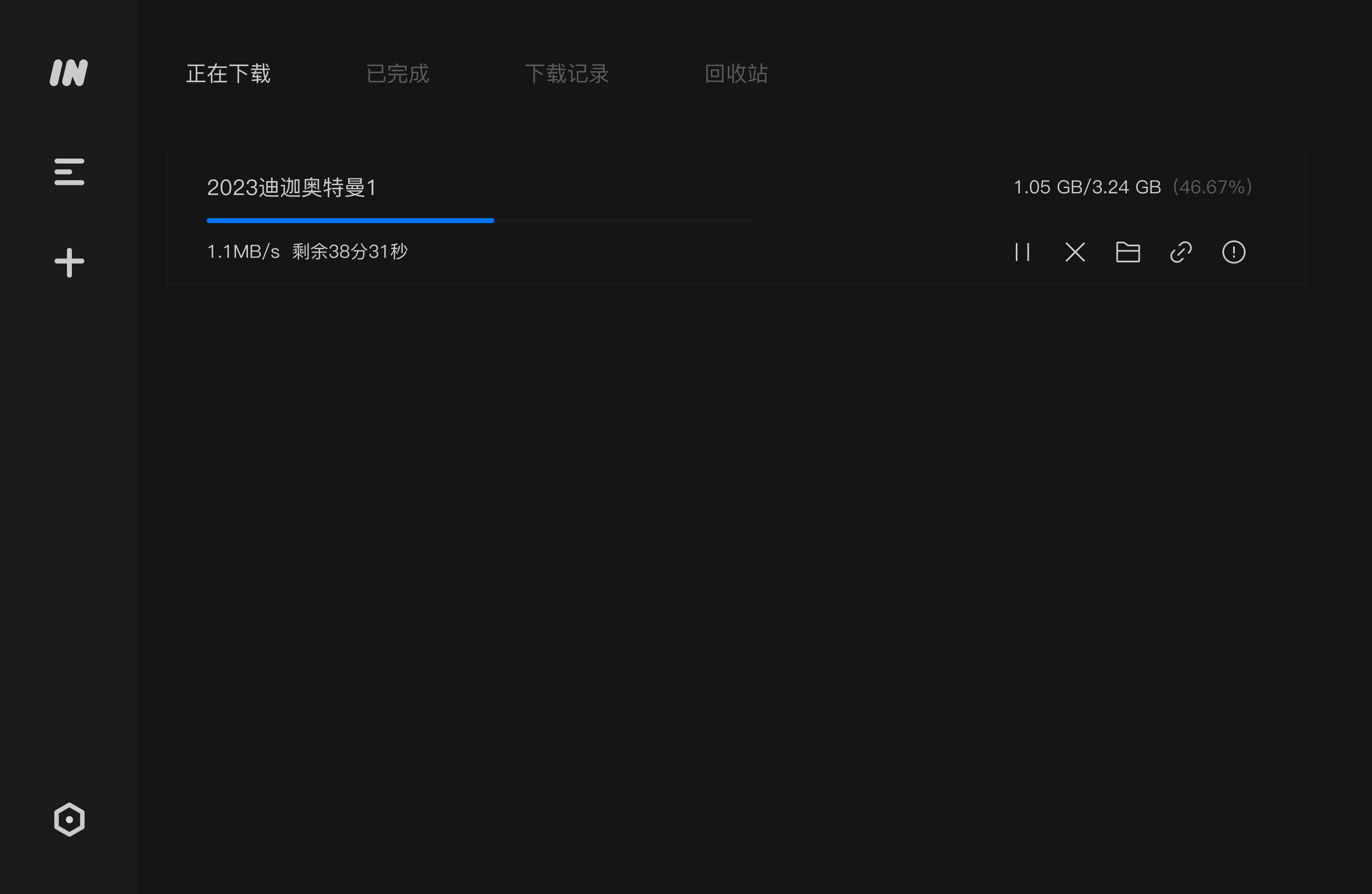
A full-featured download manager
Motrix is a full-featured download manager that supports downloading HTTP, FTP, BitTorrent, Magnet, etc.
Motrix has a clean and easy to use interface. I hope you will like it 👻.
✈️ Official Website | 📖 Manual
✨ Features
- 🕹 Simple and clear user interface
- 🦄 Supports BitTorrent & Magnet
- ☑️ BitTorrent selective download
- 📡 Update tracker list every day automatically
- 🔌 UPnP & NAT-PMP Port Mapping
- 🎛 Up to 10 concurrent download tasks
- 🚀 Supports 64 threads in a single task
- 🚥 Supports speed limit
- 🕶 Mock User-Agent
- 🔔 Download completed Notification
- 💻 Ready for Touch Bar (Mac only)
- 🤖 Resident system tray for quick operation
- 📟 Tray speed meter displays real-time speed (Mac only)
- 🌑 Dark mode
- 🗑 Delete related files when removing tasks (optional)
- 🌍 I18n, View supported languages.
- 🛠 More features in development
Download from GitHub Releases (Motrix-Setup-1.6.11.exe) and install it.
Windows
It is recommended to install Motrix using the installation package (Motrix-Setup-x.y.z.exe) to ensure a complete experience, such as associating torrent files, capturing magnet links, etc.
If you use package management tools to manage applications on Windows, such as Chocolatey, scoop. You can use them to install Motrix.