Use PassPort to Configure Port Forwarding in Windows

PassPort is a simple port forwarding utility. The program runs as an NT Service and can forward various ports from any of local interfaces to whatever remote IP address. It is easily manageable with a simple Windows GUI.

1. Download

1.1、Sourceforge address Click to Download

2、Installation
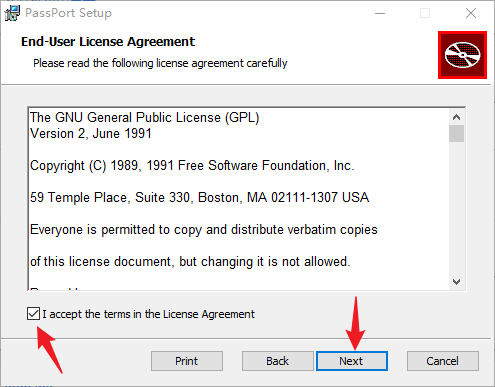
Use PassPort to Configure Port Forwarding in Windows
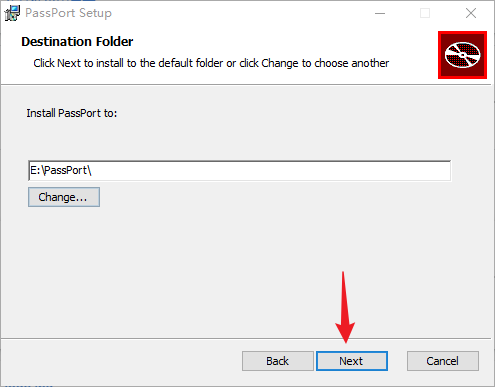
Snipaste_2023-10-04_22-27-19
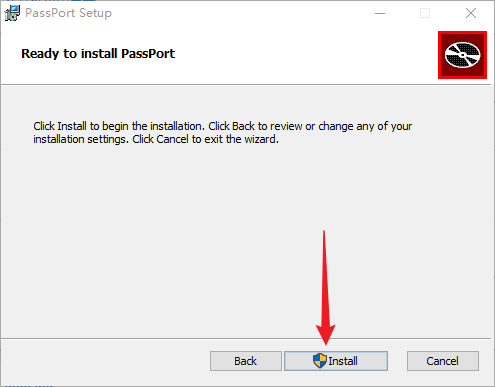
Snipaste_2023-10-04_22-27-31
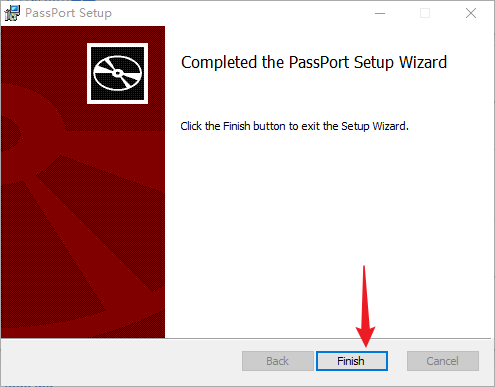
Snipaste_2023-10-04_22-27-41
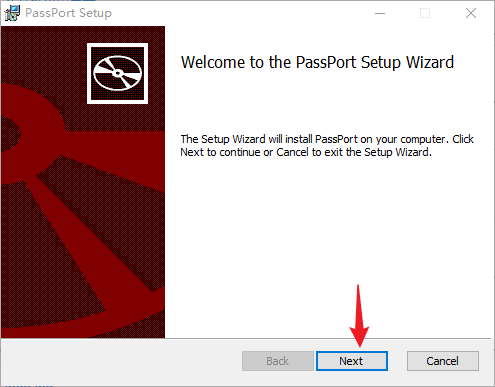
Snipaste_2023-10-04_22-26-09

3、Config

3.1、Run as an adminsitrator
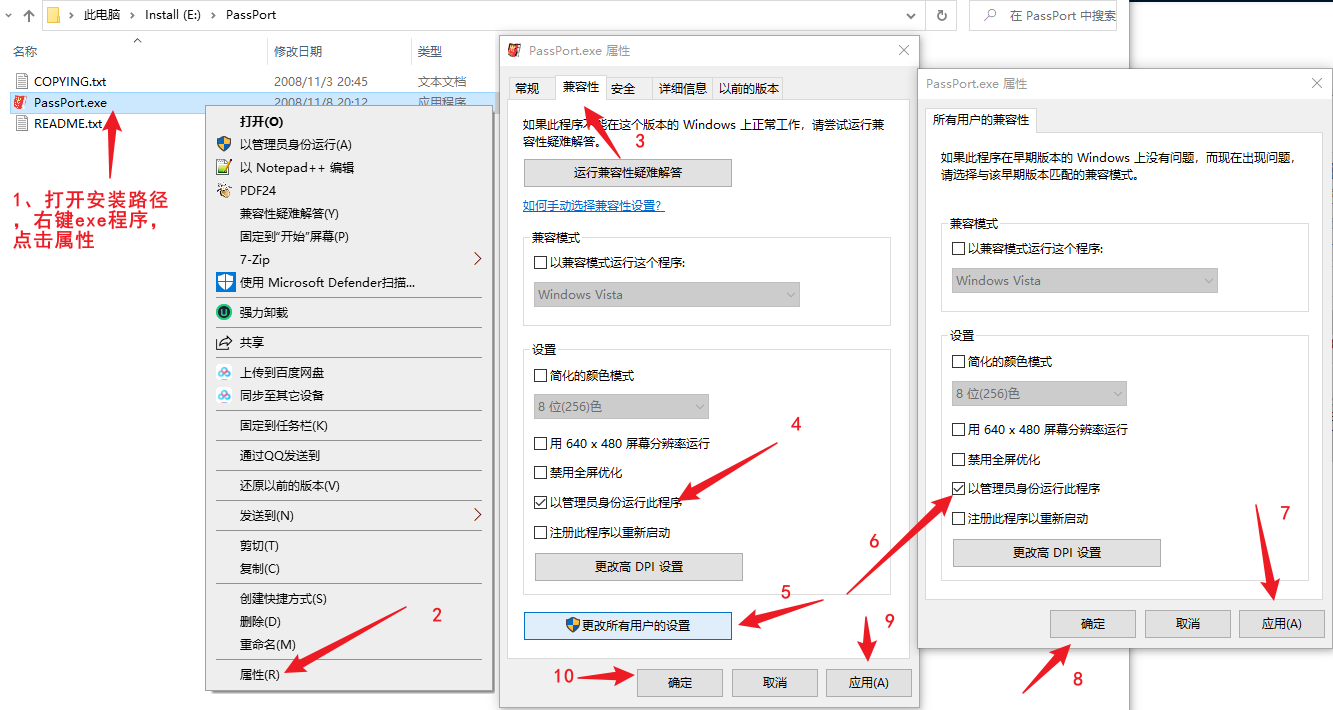
Snipaste_2023-10-04_22-28-23

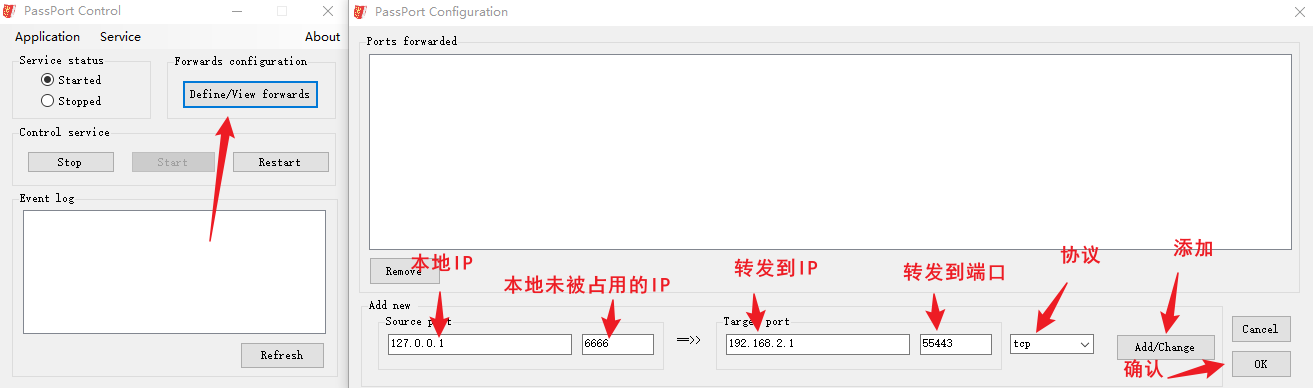
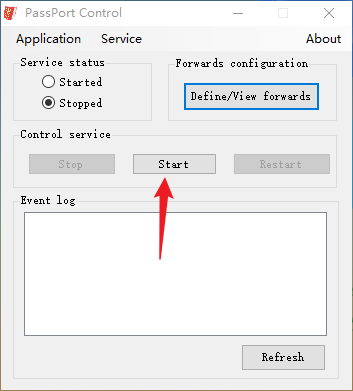
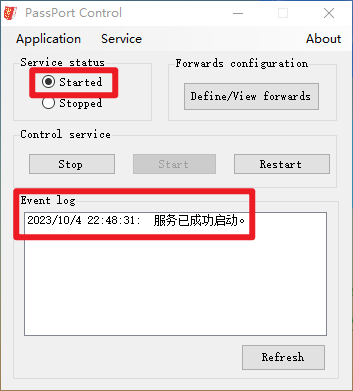
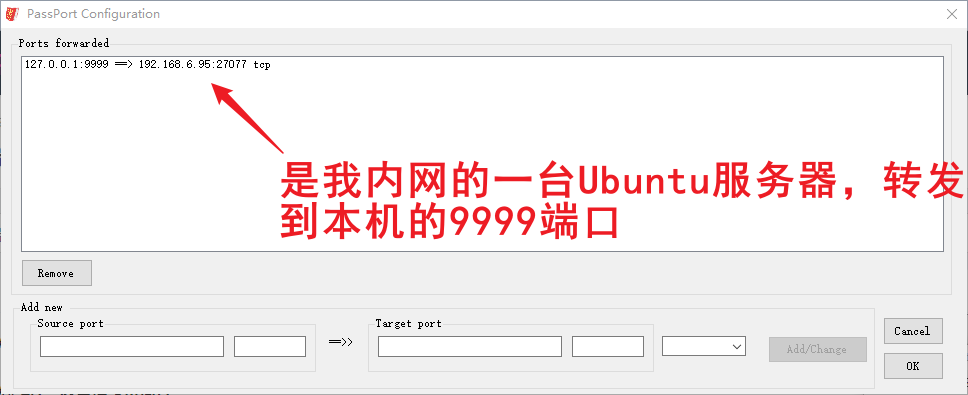
3.2、Configure application forwarding
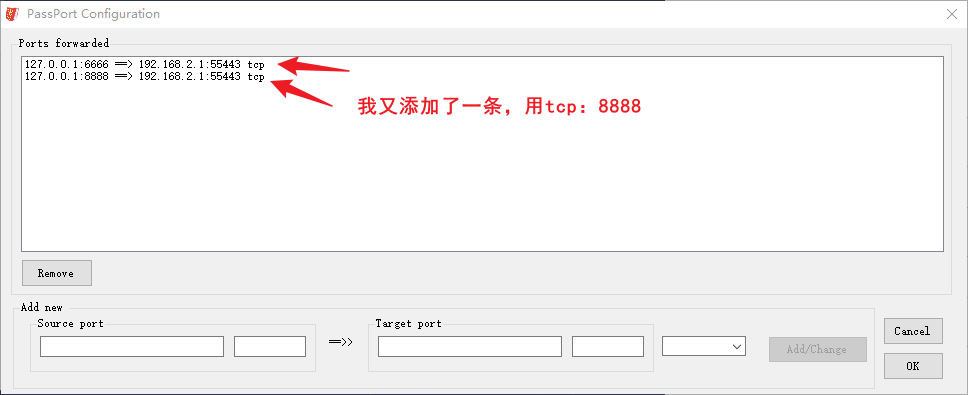
Snipaste_2023-10-04_22-48-00
Snipaste_2023-10-04_22-48-16
Snipaste_2023-10-04_22-48-29
Snipaste_2023-10-04_22-48-44
Snipaste_2023-10-04_22-58-06
Snipaste_2023-10-04_23-31-51
Snipaste_2023-10-04_23-00-25
Snipaste_2023-10-04_23-05-01

CMD Check Local Port if Opens in Windows

01netstat -an | find "7777"
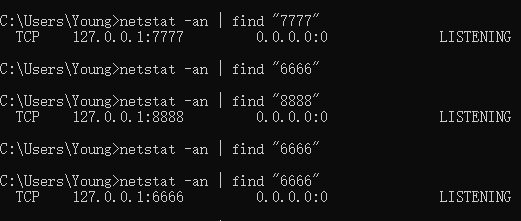
Snipaste_2023-10-04_23-03-36

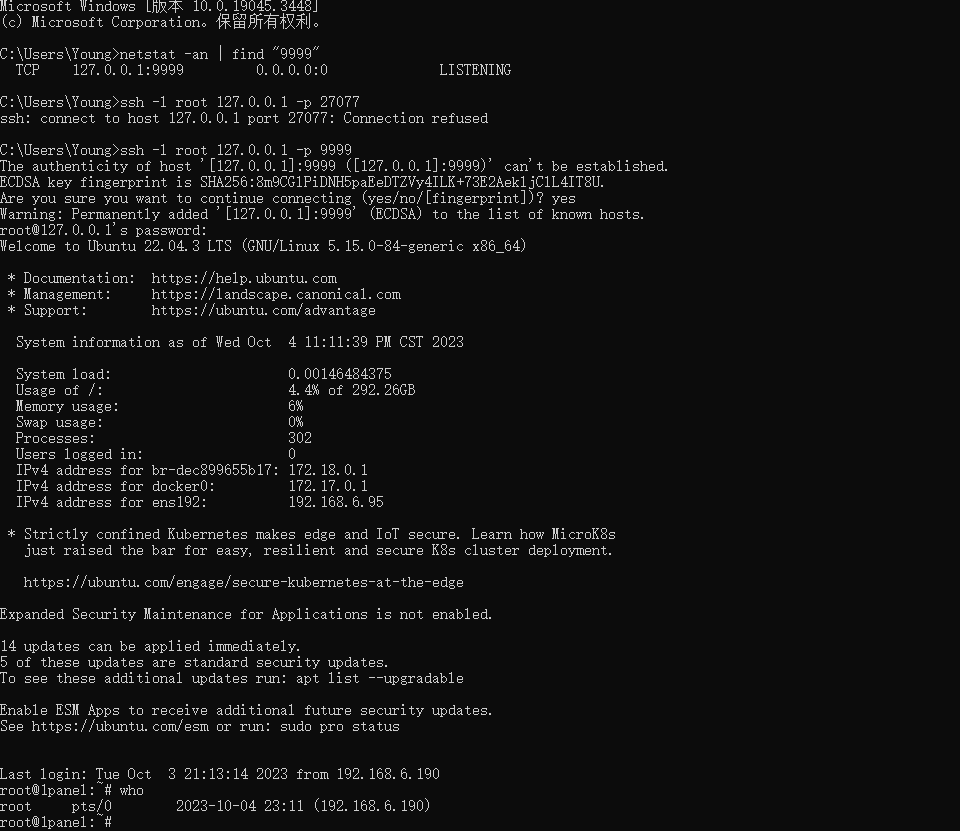
3.3、Configure ssh port forwarding

Snipaste_2023-10-04_23-10-48

In LInux, Check User

01who
Snipaste_2023-10-04_23-14-14

Leave a Reply

This site uses Akismet to reduce spam. Learn how your comment data is processed.